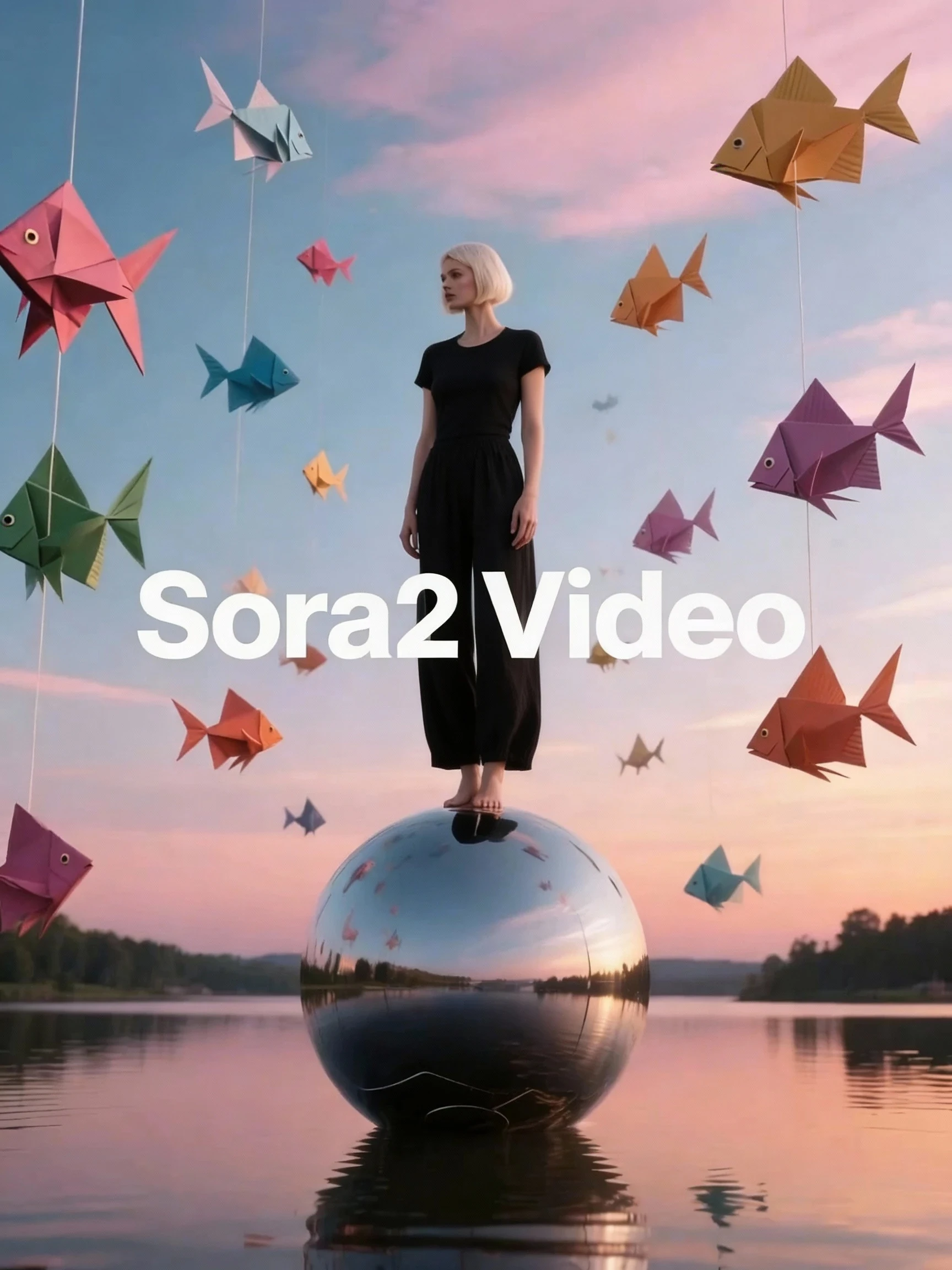




Tired of waiting for the next wave of AI video tools? Meet Sora 2, a powerful and accessible AI model that brings your ideas to life as high-quality videos with perfectly synchronized audio. While other platforms remain invite-only, Sora 2 is ready to empower your creativity today.
Sora 2 AI video model moves beyond silent movies by using an integrated system that synthesizes audio and video together. From a single prompt, you can generate everything from multi-person conversations and immersive soundscapes to original music. Designed to understand complex stories, cinematic styles, and detailed audio cues, Sora 2 opens a new era of AI-driven content creation for everyone.
Key Features
- All-in-One Audio and Video Synthesis: Like Wan 2.5, Sora 2 generates video and sound as a single, cohesive file, which the need for post-production work. It can produce high-fidelity, multilingual audio for dialogue, sound effects (SFX), and music in languages like English, Chinese, and more. This unified approach guarantees your visuals and audio are in perfect harmony, like a Hollywood production.
- Unprecedented Creative Control: With a major leap in natural language understanding, Sora 2 can interpret complex, multi-step prompts with incredible precision. You are in the director's chair, able to command specific camera movements (e.g., "cinematic pan left," "slow zoom in") and make continuous style changes.
- Hollywood-Caliber Cinematic Quality: You'll see significant improvements in dynamic motion, visual stability, and overall cinematic appeal. Sora 2 produces stunning, professional-grade videos at up to 1080p resolution and 24 frames per second, giving your projects a polished, high-end feel.
- Animate Still Images with Lifelike Consistency: Transform static images into dynamic videos while keeping characters and objects remarkably consistent. Sora 2 AI model offers precise semantic control, ensuring the subject from your original image stays stable and recognizable throughout the animation.
- Let Sound Be Your Director: Use any audio file—a line of dialogue, a song, or a sound effect—as the creative starting point for your video. You can pair your audio with a text prompt or an image to generate a video that is perfectly timed and thematically matched to your sound.
- Expanded Narrative Potential: Generate coherent clips up to 10 seconds long, which doubles the length of previous-generation models. This extra time allows for more complete stories, detailed actions, and richer emotional expression in a single clip, making it ideal for scenes in short films or social media (TikTok, for example) content.
The "Sound Formula" for Precision Audio
For granular control over every sonic element, Sora 2 uses a structured prompt formula:
Prompt = Subject + Scene + Motion + Sound Description
The Sound Description component lets you specify audio in fine detail:
- Human Voice: Define the dialogue, emotion, tone, speed, timbre, and accent.
Example: A woman whispers a secret: "The key is hidden under the third stone by the old well," in a hushed, urgent tone, with a slight British accent.
- Sound Effects (SFX): Describe the sound's source, action, and environment.
Example: A heavy leather-bound book is dropped onto a dusty wooden table, making a loud "thump" sound in a vast, empty library.
- Background Music (BGM): Specify the score's genre or musical style.
Example: A lone astronaut gazes at Earth from a spaceship window, accompanied by an ethereal and melancholic ambient BGM.
Current Limitations
While incredibly powerful, Sora 2 has limitations common to the current state of AI video generation.
- Videos longer than 10 seconds must be created by stitching multiple clips together.
- Complex physics or scenes with many interacting characters can sometimes yield inconsistent results.
- Achieving perfect photorealism, particularly with human hands and faces in extreme close-ups, is still a developing area.
Ethical Safeguards
Sora 2 is built on a foundation of responsible AI. The model includes content moderation systems designed to block the generation of harmful, non-consensual, or content. We are committed to fostering a safe and ethical creative environment for all users.
How to Get Started
1. Visit the Platform: Access the Sora 2 AI Video Generation Model on SeaArt AI.
2. Craft Your Vision: Start with a simple idea or use the "Sound Formula" for maximum control. You can generate from text, an image, an audio file, or a combination of inputs.
3. Generate and Refine: Run your prompt and watch your video come to life. Tweak your text, adjust the sound descriptions, or upload a new reference file to perfect your creation.
4. Join the Community: Connect with fellow creators to share your work, learn new prompting techniques, and push the boundaries of AI video together.