How to Use Popular AI TikTok Filters (With & Without TikTok)
Are you eager to elevate your TikTok game with cutting-edge AI filters but feeling overwhelmed by the endless options? You're not alone! With the explosion of AI-powered tools on TikTok, it can be challenging to navigate which filters will make your content stand out. This guide is here to solve that problem. We'll demystify AI TikTok filters, showcase the hottest ones that are captivating audiences, and guide you through using them both within the app and beyond. By the end, you'll be a pro at harnessing the power of AI to create viral TikTok content.

What is AI TikTok Filter?
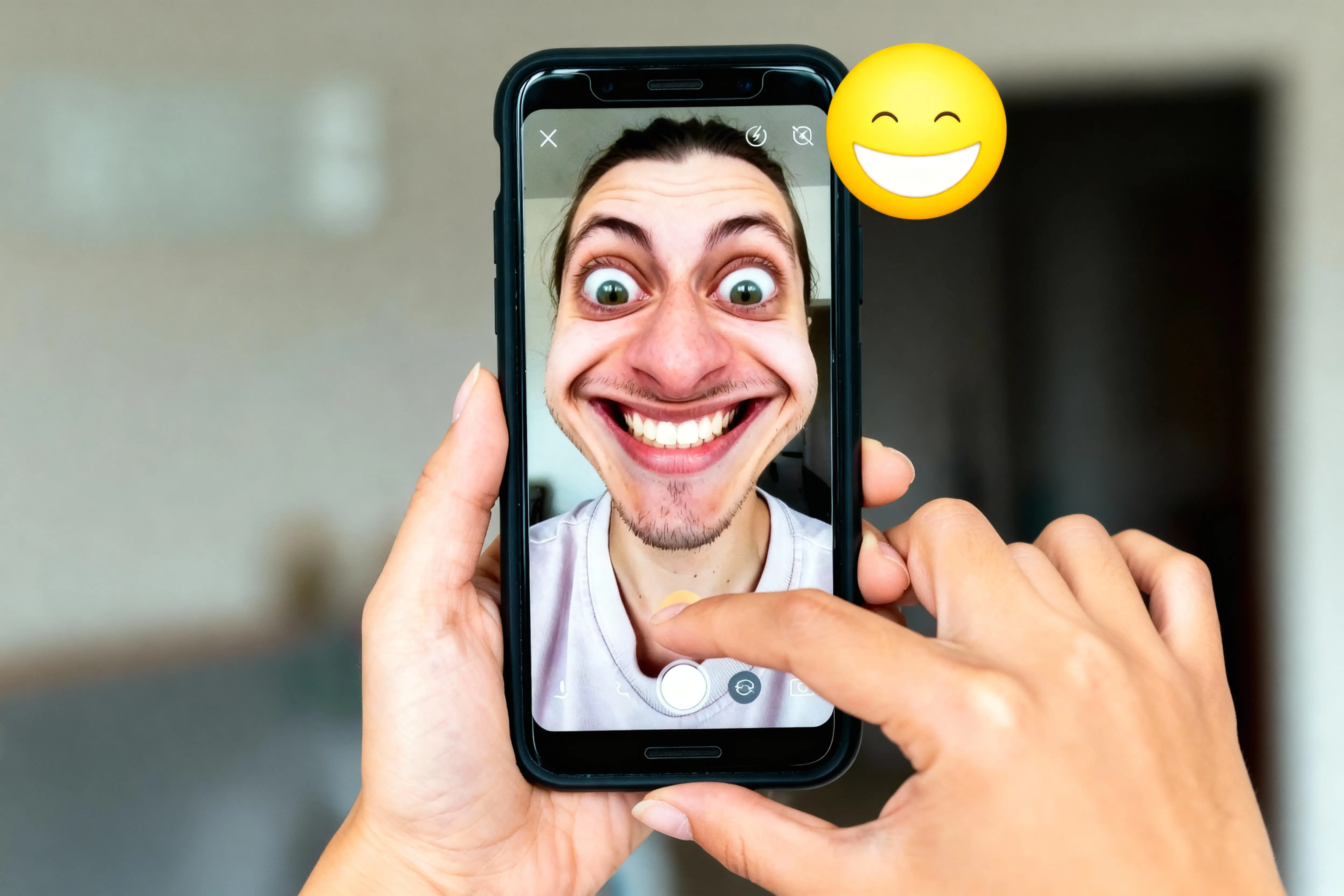
TikTok, the social media sensation known for its short-form videos, has revolutionized content creation with the integration of AI technology. AI TikTok filters are innovative tools that leverage AI to transform your videos in real time, adding effects and animations. From age transformations to artistic overlays and augmented reality experiences, TikTok AI filters offer endless possibilities for creativity. Some of the most popular AI filters include background replacements that transport you to exotic locations and style transfers that give your videos a unique artistic flair. In the following sections, we’ll dive deeper into how to use these exciting features.
How to Use the AI Filters on TikTok?
TikTok's AI filters are amazing – they can transform your look, add fun effects, and even create whole new worlds! Here's how to use them:
Step 1. Open TikTok
First, launch the TikTok app on your device.
Step 2. Tap the "+" to Record
Tap on the "+" icon at the bottom center of the screen to access the camera. This will take you to the video recording interface.

Step 3. Explore the Effects
At the bottom of the screen, you'll find the "Effects" option. Tap on it to see a wide variety of AI filters. And then, browse through the filter categories or search for a specific effect. Once you find one you like, tap on it to apply it.

Step 4. Get Creative
Now it's time to have fun! Record a video, take a photo, or even use the filter to create a cool effect for your profile picture.
Pro Tip: Check out the "Trending" section for the latest and most popular AI filters.
The Most Popular AI Filters on TikTok You Must Try
There are so many filters to choose from. Next, this paragraph introduces 3 popular filters in TikTok.
- AI Manga Filter
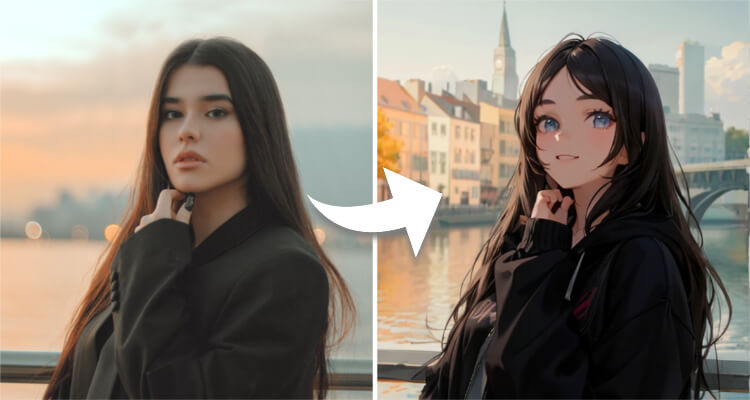
The AI Manga Filter on TikTok has captured the hearts of manga enthusiasts worldwide. This filter transforms your faces into stunning anime characters, reminiscent of beloved series like Detective Conan. With just a tap, you can see yourself as the protagonist of your own manga story, complete with exaggerated eyes, sharp jawlines, and vibrant colors. It's a fun way to explore your inner otaku and share your unique manga avatar with friends.

- AI Makeup Filter
Unlocking the world of endless beauty possibilities, the AI Makeup Filter on TikTok allows you to try on a myriad of makeup styles without ever touching a brush. From natural glows to bold smoky eyes, this filter lets you discover new versions of yourself with each swipe. It's a virtual makeup studio in your pocket, perfect for experimenting with trends or simply finding that perfect look for a special occasion.
- AI Age Transformation Filter
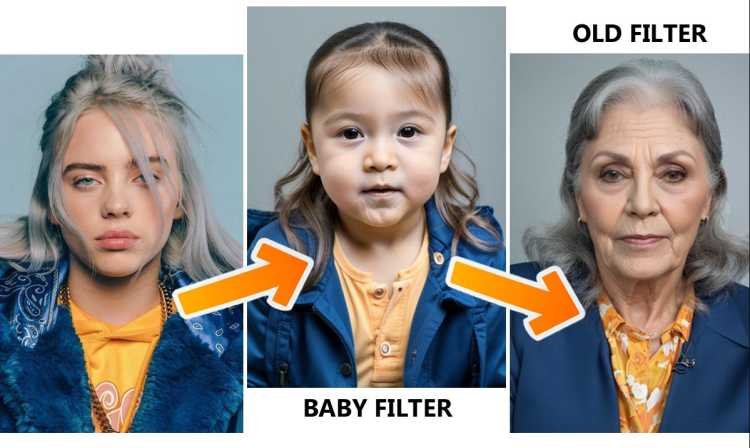
After researching the latest trends, one filter that deserves a mention is the AI Age Transformation Filter. This innovative tool takes you on a journey through time, showing them how they might look decades younger or older. It's fascinating to see how facial features evolve, offering a glimpse into the future or a nostalgic trip to the past. It's not just entertainment; it also sparks conversations about aging gracefully and the beauty of life's stages.

Best Way to Get Viral AI TikTok Filters Without the App
If you are looking for the power of TikTok's AI filters without downloading the app, or if you simply want higher-quality results that go beyond simple phone filters, SeaArt AI is your perfect solution.
While TikTok filters are great for quick fun, they are often limited to real-time camera recording and basic overlays. SeaArt AI takes these trends to the next level by allowing you to generate content from scratch and add filters to static photos or animate them, giving you more creative freedom to produce viral-worthy videos.
Here is how SeaArt AI upgrades the most popular TikTok filter trends:
1. Beyond the "AI Manga" Filter: Create Custom Anime Worlds
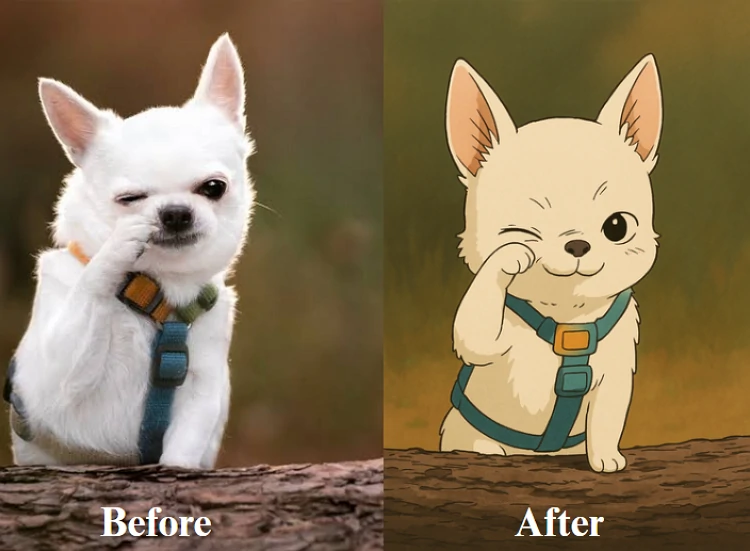
With SeaArt AI's advanced AI anime video generator, you can create high-quality anime scenes from text or directly upload your footage. The video to cartoon feature automatically transforms your clips into a stunning anime style, offering smoother, frame-consistent results that look like professional animation rather than a simple phone filter.

2. Viral Motion Effects: Make Photos Dance & Hug
On TikTok, participating in dance challenges or interaction trends usually requires you to set up a camera and perform. But what if you could make a photo do the dancing for you?
SeaArt AI brings the viral "magic" to static images. You can upload a photo of your friend and use the AI dance generator to make them perform trending dances instantly - no filming required.

Additionally, elevating the emotional connection trend, the AI hug video generator can merge two static photos into a touching video of two people embracing, creating the perfect heartfelt content for your feed.
Conclusion
In conclusion, SeaArt AI offers a captivating alternative to TikTok's AI filters, empowering you to unleash your creativity without the confines of a single platform. With Swift AI's diverse filter options and AI Makeup's endless beauty possibilities, there's always something new to explore. Don't wait – start creating your own masterpieces today with SeaArt AI and join the vibrant community of artists and enthusiasts. Let your imagination soar and share your unique vision with the world.