
Generate
History
Private Creationvip-icon
Details
Add Birthday Hat to Photo
Original

Add Birthday Hat to Photo

90
0
573
2025-04-08 09:48:27 Update

Put a birthday hat on your photo and specify the color

Rating & Review

-- /5
0 Ratings

Not enough ratings or reviews received yet

no-data
No data available

Add Birthday Hat to Photo Free Online

Accurate Hat Placement

Place the hat naturally and perfectly with the objects in the picture.

Extensive Hat Stickers

Offer a variety of randomly generated hat images to suit your needs.

Effortless Generation

Easy to use with just a few clicks.

Add Birthday Hat to Photo Accurately

Add Birthday Hat to Photo Accurately

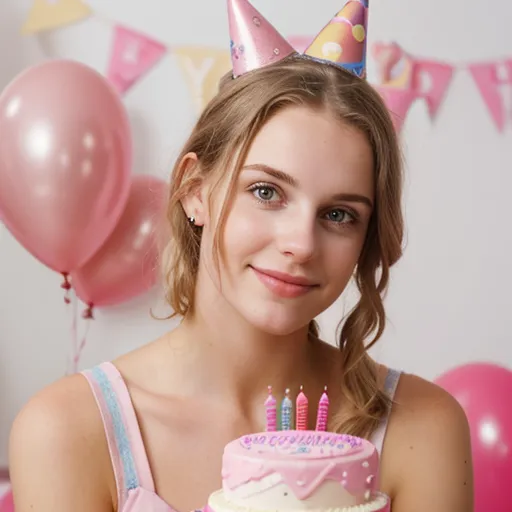
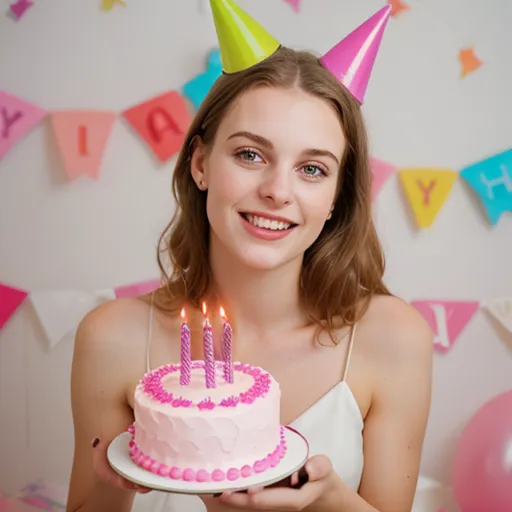
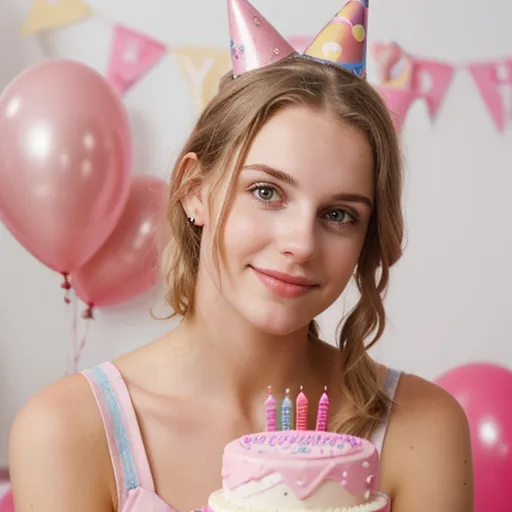
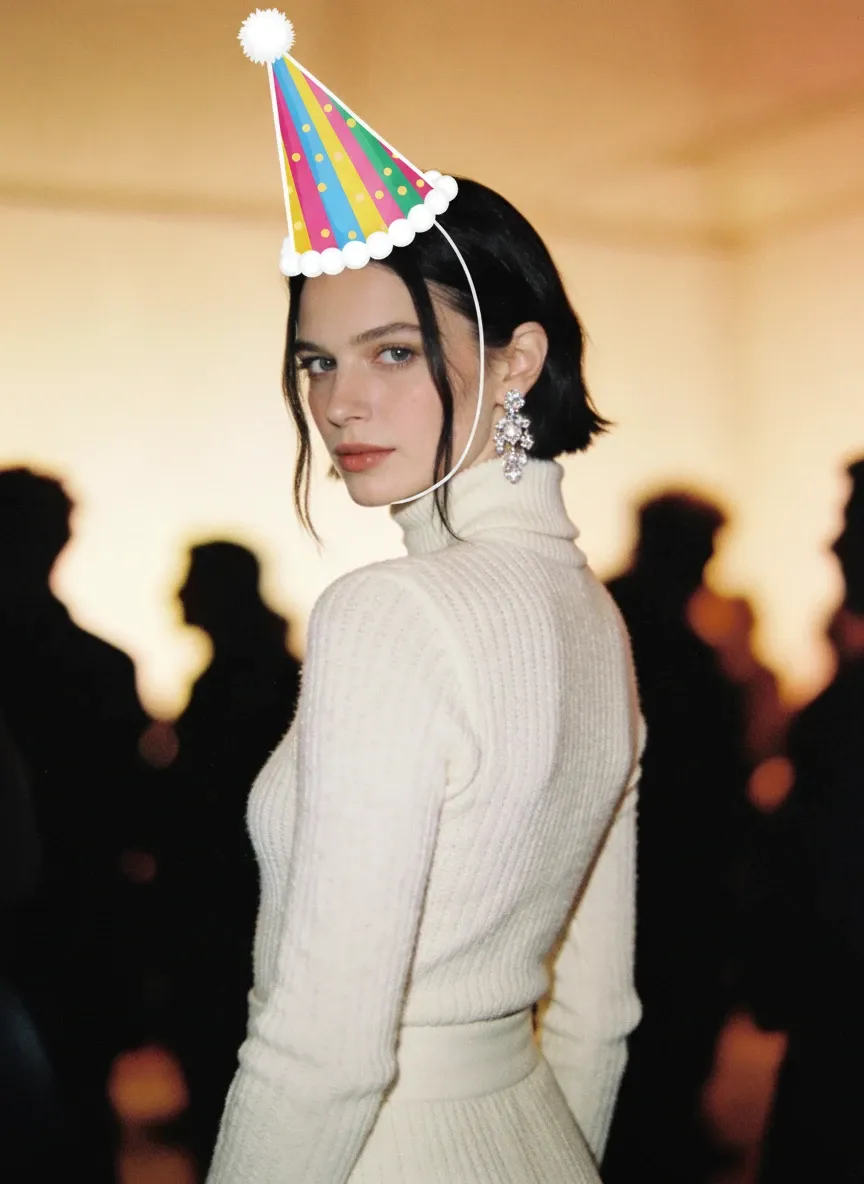
Tired of photos with poorly placed birthday hats? Add Birthday Hat to Photo AI feature can help you solve this problem! Use the Edit Mask feature to roughly circle where you want to place your birthday hat, and this tool will automatically adjust it based on the perspective, size, and angle of your photo. The result? A perfectly positioned birthday hat that looks like it was meant to be.

Birthday Hat Stickers

Randomly Generated Birthday Hat Matches Your Photo Perfectly

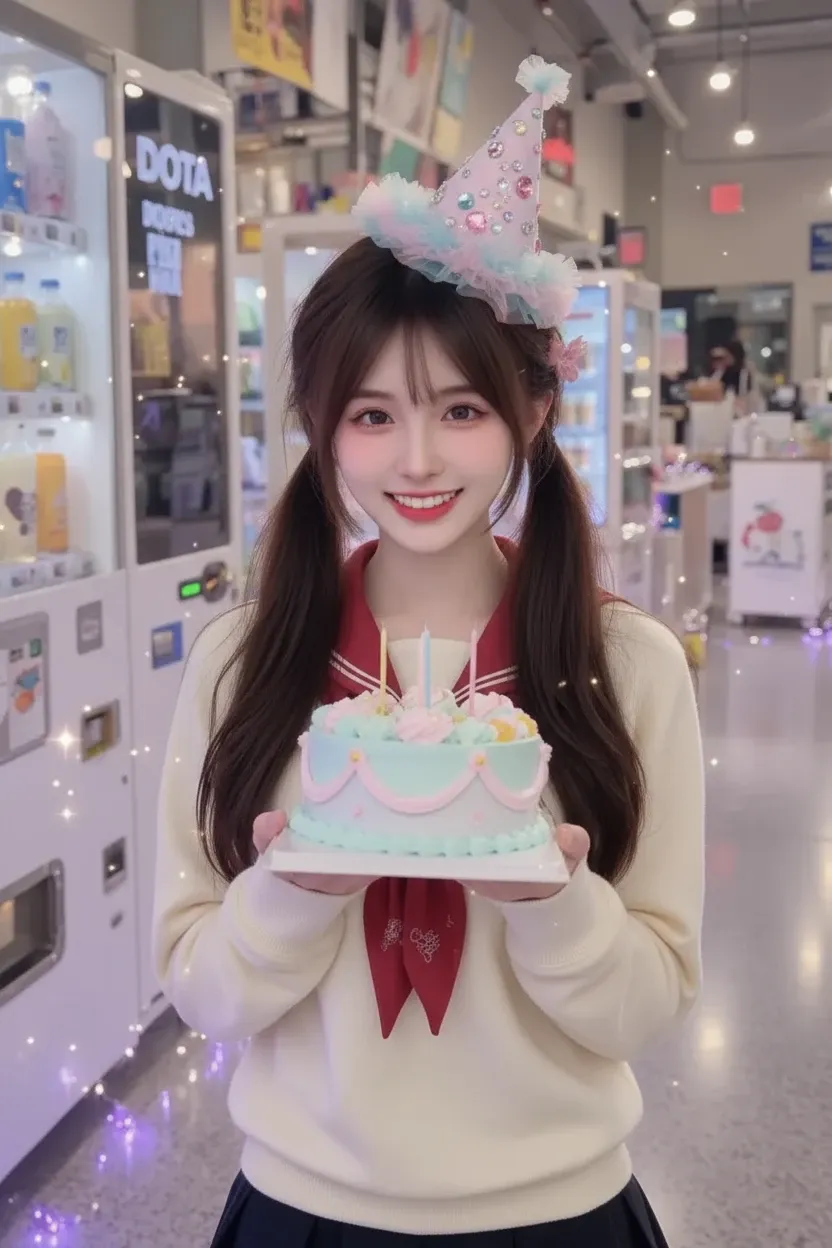
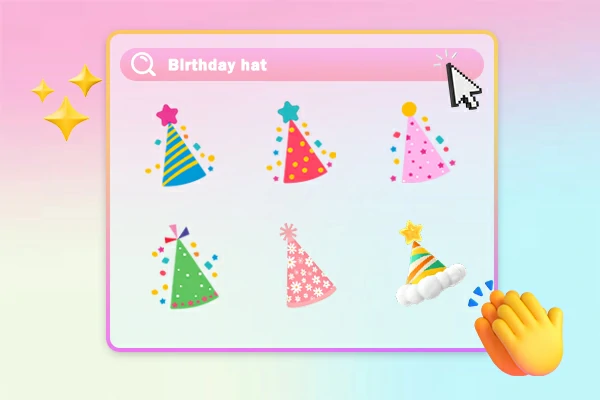
This AI tool in SeaArt AI provides randomly generated birthday hat stickers, which make your photos more colorful and attractive. From classic party hats to creative designs, you’ll get the ideal style to match your celebration. Perfect your photo with the new birthday look and make your memories shine even brighter!

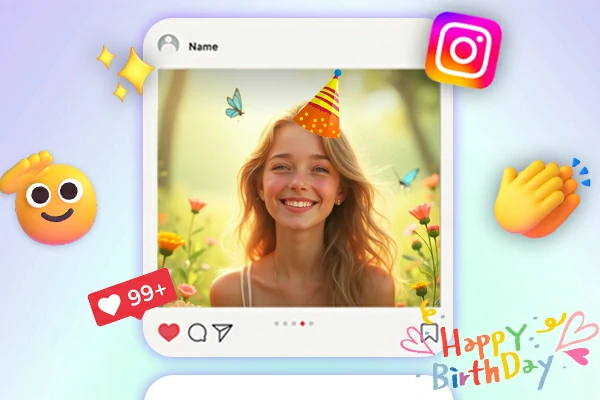
Share Photo with Birthday Hat on Instagram

Make Your Birthday Photo Stand Out on Social Media

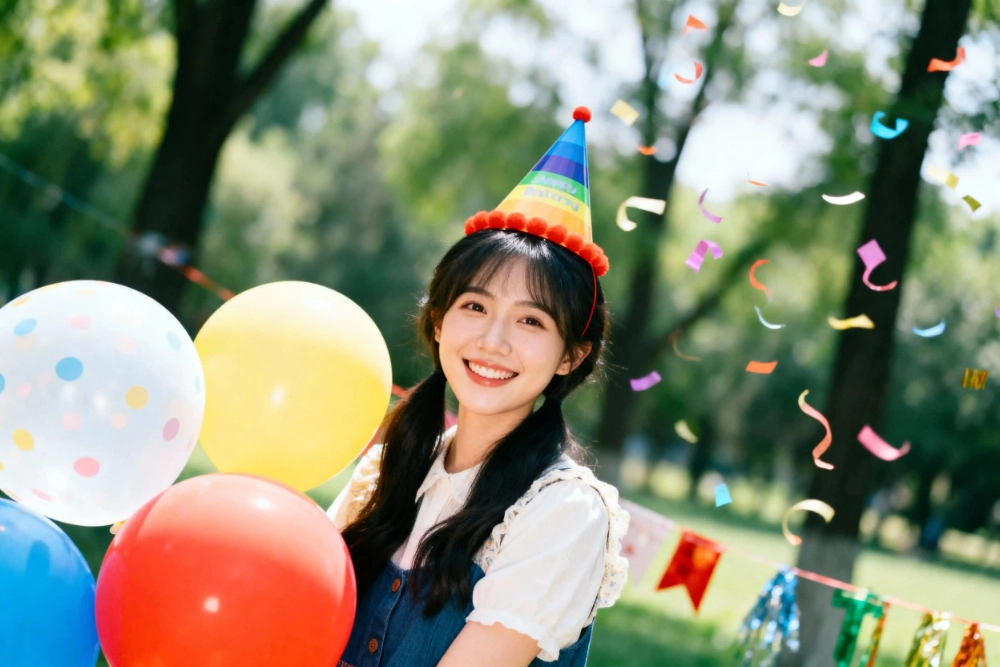
The annual birthday is of course a good time to share the joy on social media! Use this tool to quickly add a nice and interesting birthday hat to your photo online, and share it on Instagram, FaceBook, Twitter, and other social media to grab attention with ease. Waiting for everyone's likes and congratulations!

Add Birthday Elements to Photo

Add More Birthday Vibes to Your Photos

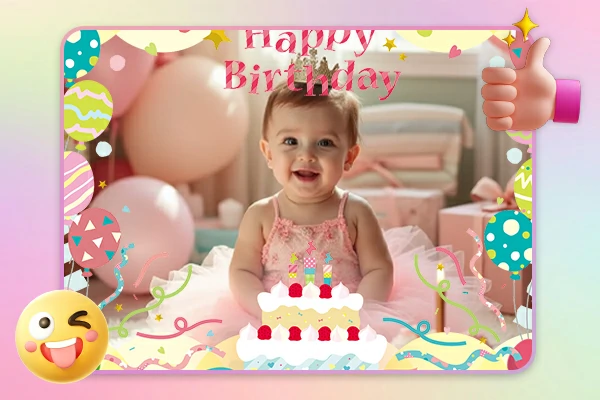
To add more birthday atmosphere to your photos, Add Birthday Hat to photo and other features like AI filter make it easy! Beyond adding a birthday hat, you can also enhance your images with a series of fun birthday elements (Make one with SeaArt's AI image generator ). These playful birthday elements bring the celebration to life and make your photos truly unique.

How to Add Birthday Hat to Photo with SeaArt

Ready to add a birthday hat to your photo? It's quick and easy with SeaArt! Just follow these three simple steps:

Upload Your Image

Upload the image that you want to add a birthday hat.

Generate Your Art

Click Edit Mask and circle where you want to put the birthday hat>Click the Done button>Click the Generate button.

Preview and Save

Take a look at your new birthday masterpiece! If everything looks perfect, save, download, or share your newly edited image on your social media.

Add Birthday Hat to Photo - FAQs

collapse

Is it really free to add a birthday hat to my photo?

Yes! SeaArt offers 150 stamina for free to new users, which you can use to add birthday hats to your photos for free.

expand

Can I use my edited photos on social media?

Yes, absolutely! Once your photo is ready, feel free to share it on Instagram, Facebook, Twitter, or any other platform you like. Show off your creative birthday spirit!

expand

Can I add a birthday hat to photo on iPhone?

If you want to add birthday hats to photos on your iPhone, you can download the SeaArt app on your iPhone.

expand

Is SeaArt AI easy to use for beginners?

SeaArt AI is very easy to use for beginners. With a simple interface and detailed guide, you can quickly get started. Try it now and let the celebration begin!