
Generate
History
Private Creation
Details
85
37
2026-02-21 10:45:47 Update
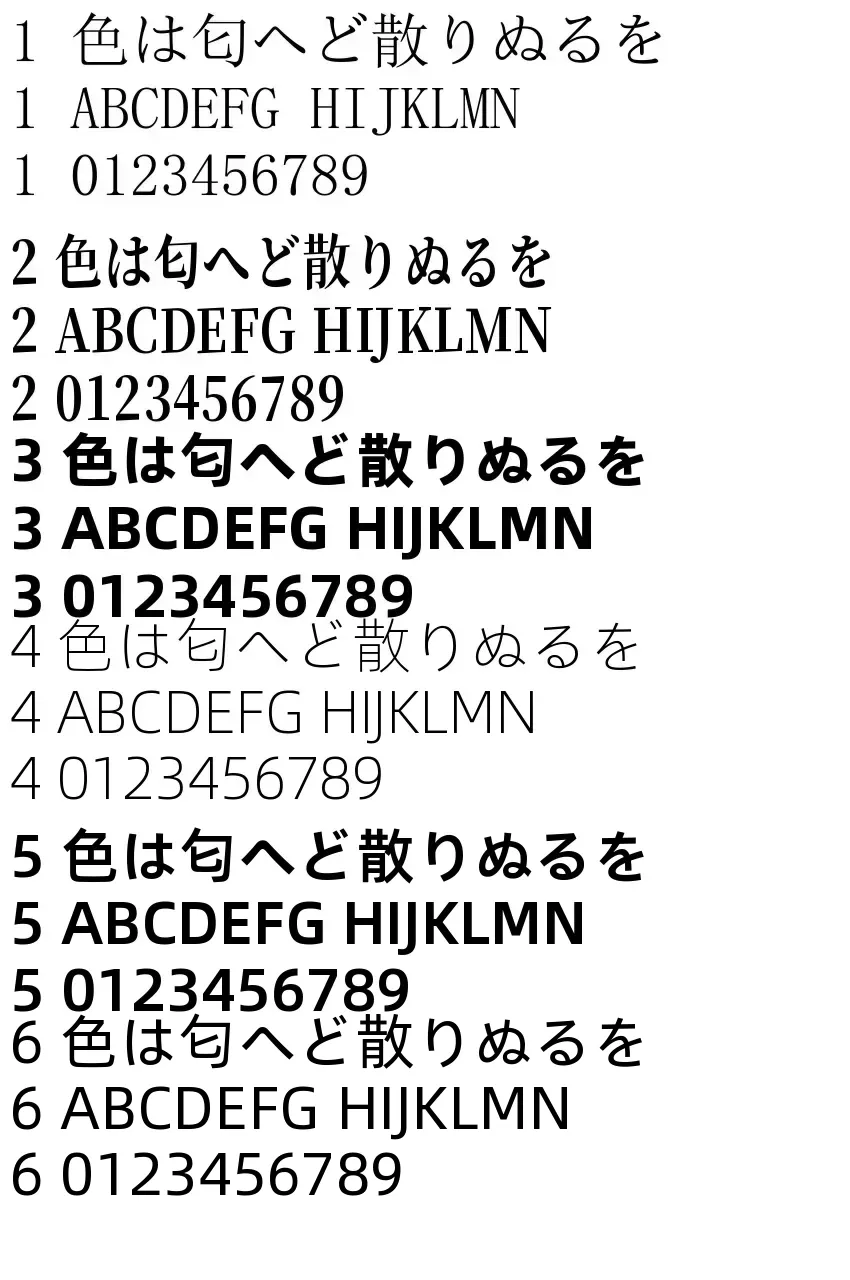
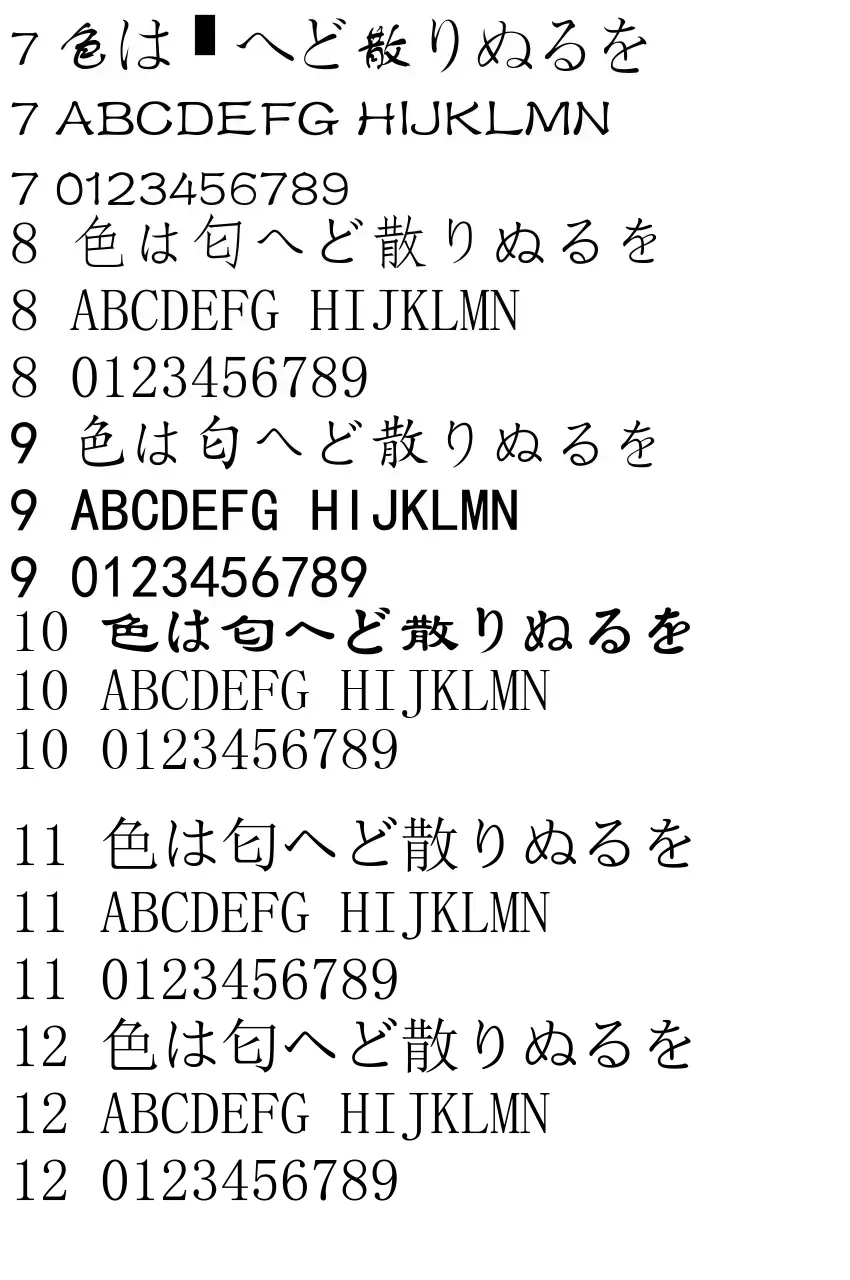
Add text to videos.
【2026.02.21 Fixed】 Fixed an error that seemed to only allow use with long videos.
Deeply sorry for the inconvenience caused to those who encountered errors m(__)m
Once you've used it, you can recall it via "Remix" from your history to apply those settings. It's easier if you create your own template.
🟪 Details in the post article "Video Subtitles / Text in Video 2 Apps":
https://www.seaart.ai/ja/articleDetail/d5rjqlde878c73ahljvg
There are too many prohibited words, so details are on the explanation page.
🟪 The text field reflects line breaks and spaces.
Therefore, even if the text wraps in the field, it will appear as one long horizontal line and overflow the image if you don't input line breaks properly. The guideline for characters per line is: "Image Width ÷ Font Size".
If the width is 600px and the font size is 50, exceeding 11 or 12 characters will cause overflow. Please make the character count per line consistent by adding spaces at the end for better display balance.
🟪 Auxiliary Apps
Frame Numbering App
https://www.seaart.ai/ja/workFlowAppDetail/d64aqlle878c738n4uag
Frame Numbering Workflow (Free)
https://www.seaart.ai/ja/workFlowDetail/d66aa3de878c73eocihg
Knowing the exact frame makes the work a bit easier.
【Reference】
FPS16
0 1
1 16
2 32
3 48
4 64
5 80
6 96
7 112
8 128
9 144
10 160
FPS24
0 1
1 24
2 48
3 72
4 96
5 120
6 144
7 168
8 192
9 216
10 240
FPS 30 is Seconds x 30

No data available


Rex.
267
84.7K

Explore Related