
Generate
History
Private Creation
Details









25
3
2026-07-14 08:16:26 Update
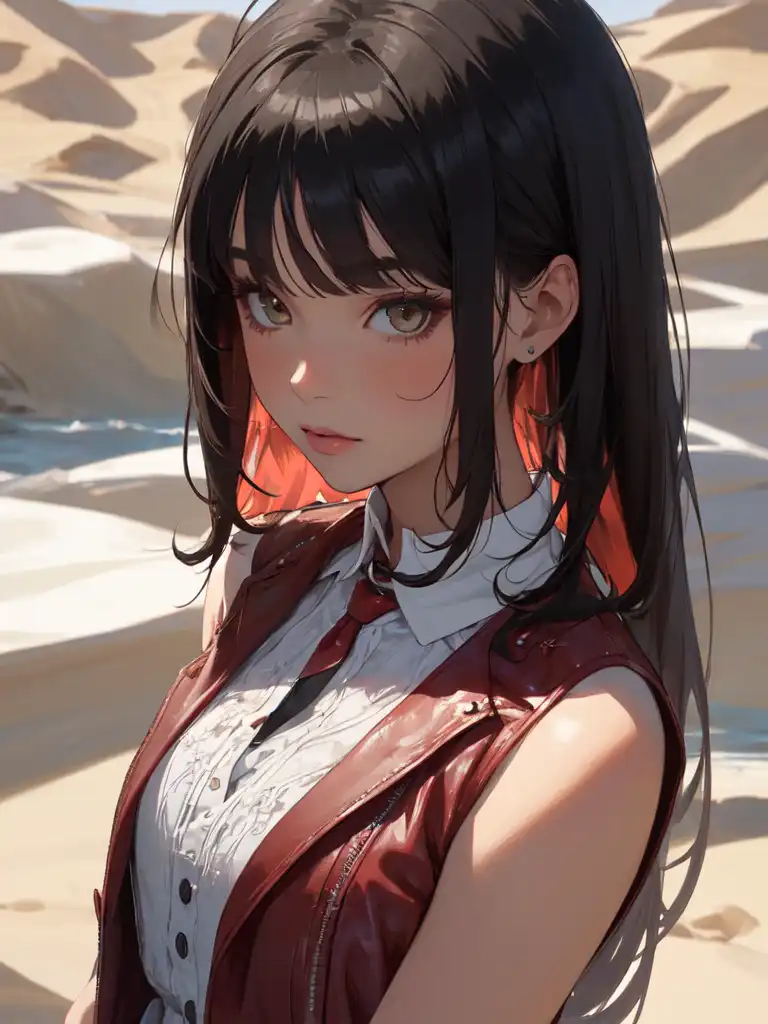
Upload your image and choose the index number of what you want to create. Use a reference image to check the details of the index.
Turn ON LoRA if you want to use LoRA for better results; you can also turn OFF LoRA if you prefer to rely on image upload only.
Image upload is required because the workflow is set to load images; when using LoRA, you also need to add an image. The image will be used as a reference.
You can choose the resolution and batch size.
So far, LoRA is working great and has been tested on 24 indexes for anime and realistic styles.

No data available

Matt
547
126.5K

Explore Related