开始创作
历史记录
私密创作
详情



52
427
2025-03-11 02:49:42 更新
终极24位SDXL ComfyUI工作流程
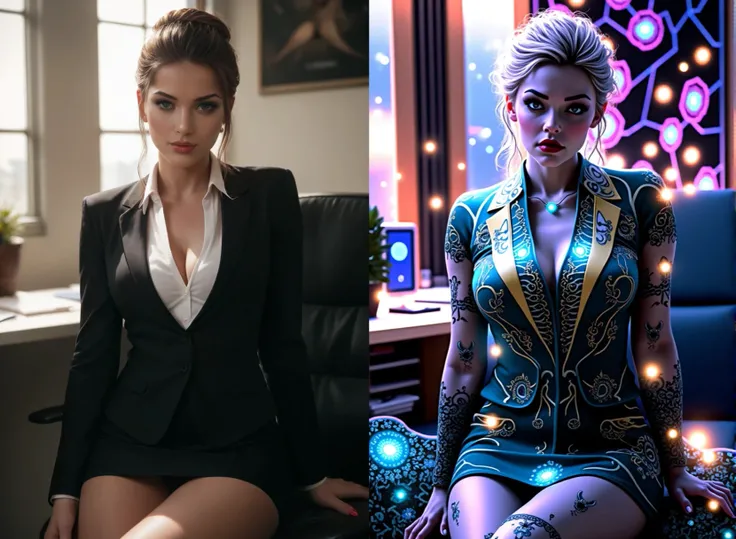
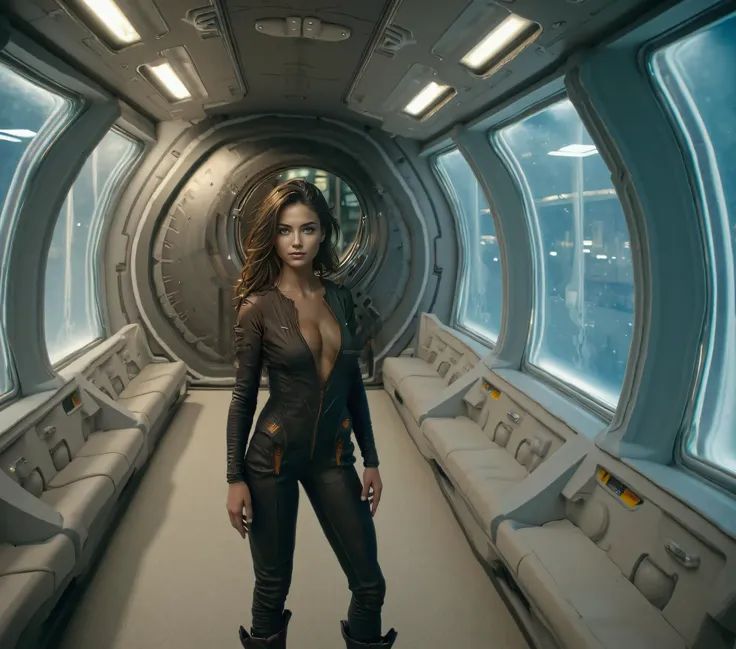
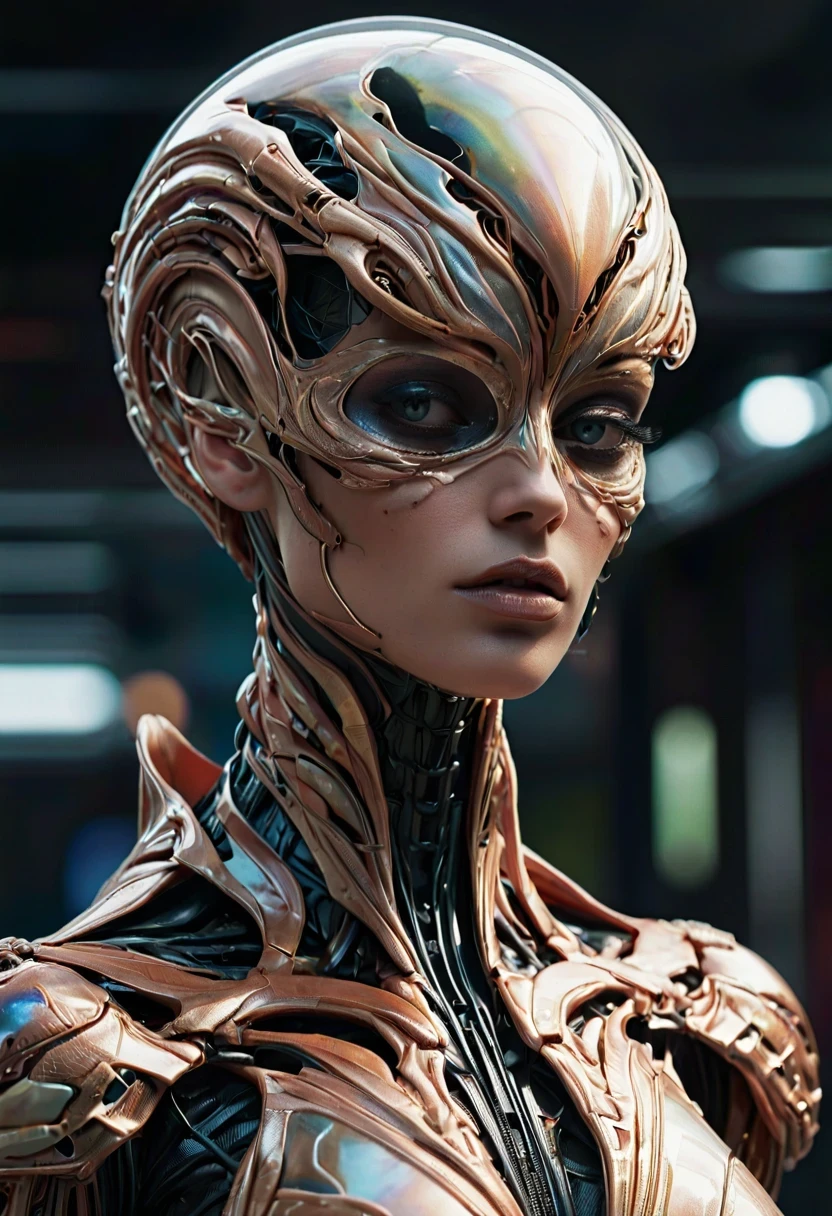
It is developed with more functions than any st和ard ConfyUI workflow. 首先, 它允许您不仅可以生成24位色彩的出色图像, but also allows you to use 2 模型 同时进入, 2个LoRA (语言优化渲染算法), 同时进入, 两者都使用比率加载,允许您确定在任何渲染中要使用多少每个模型. It has been set up to use st和ard SDXL & "涡轮 & 闪电" 模型. FreeU V2已经被合并以获得更好的输出.
This workflow was designed to allow people with low VRAM 8Gb 和 at least 32Gb of onboard RAM, 以及在服务器上工作. It's very versatile as it is 和 much can be designed with all the options made available to the user.
请务必阅读使用比率模型开关的说明, 设置这些不正确会导致工作流程 "悬挂" 和 no image will be produced.
我们推荐使用的升级器是4倍_超清晰.pth - 这将把最终输出放大4倍, 请注意,您的图像将在到达KSampler之前就被放大一倍 "2", 所以在主要升级器接管之前已经翻了一倍. We did not use the UltimateUpscaler due to the time frame 和 all the stitching it does which takes up valuable resources.
终极24位SDXL ComfyUI工作流程:
1. 每张图像20-30秒 (不包括也很快的升级).
2. 图像默认为24位 (you can c悬挂e this by c悬挂ing the main multiplier value from 2 to 1).
3. 所有图像都在 "无损" PNG格式,包含所有 "嵌入的EXIF数据".
4. 大多数图像大小在20-30Mb之间, this gives the best quality 和 clarity.
6. 内置双SDXL模型合并比率.
7. 内置双SDXL LoRA合并比率.
8. 每个模型内置双SDXL CLIP滑动控制.
9. 双LoRA选择器.
10. 双模型选择器.
11. 内置FreeU V2.
12. 支持 all SDXL "涡轮" & "闪电" 模型, as well as st和ard SDXL.
13. 支持 "预览" 图像开启 "KSampler节点 (先进的)" 和 Upscale "预览". 这样可以让您在注意到图像渲染失败时停止等待. 可能是 "已取消" 在 "舒适管理器" 通过删除当前正在处理的图像或删除任何排队的后续作业, 和 make prompt adjustments, ETC.
针对从初学者到专家的用户量身定制, this workflow is versatile 和 accommodating, allowing for the seamless addition of extra nodes to further exp和 its capabilities. 它很快, 和 I tend to use "涡轮" 和 "闪电" 模型 with it. I only alter the steps 和 CFG slightly, 如果任何图像有缺陷.
包括FreeU V2 (在此工作流程中优化)
如果您以前没有使用过FreeU, there are plenty of resources on the settings of this 和 what each one does. 它还显示之前/after images so you can underst和 it's functions with AI. 我从版本1开始使用它, 和 upgraded the node to version 2, 发布时.

暂无数据