Generate
History
Private Creation
Details
43
25
2026-02-24 05:27:54 Update
Text Insertion Easy Edition - For Video.
This is a simplified version for when you just want to add a little text and coordinate settings are too much trouble.
🟦 Preset Values
Font size: 55
Vertical position: Center
Horizontal position: Center
Text color: White
Display frames: From 1 to the end (*Assumes video within 9999 frames)
🟦 Description
The display basics are the same as the still image version.
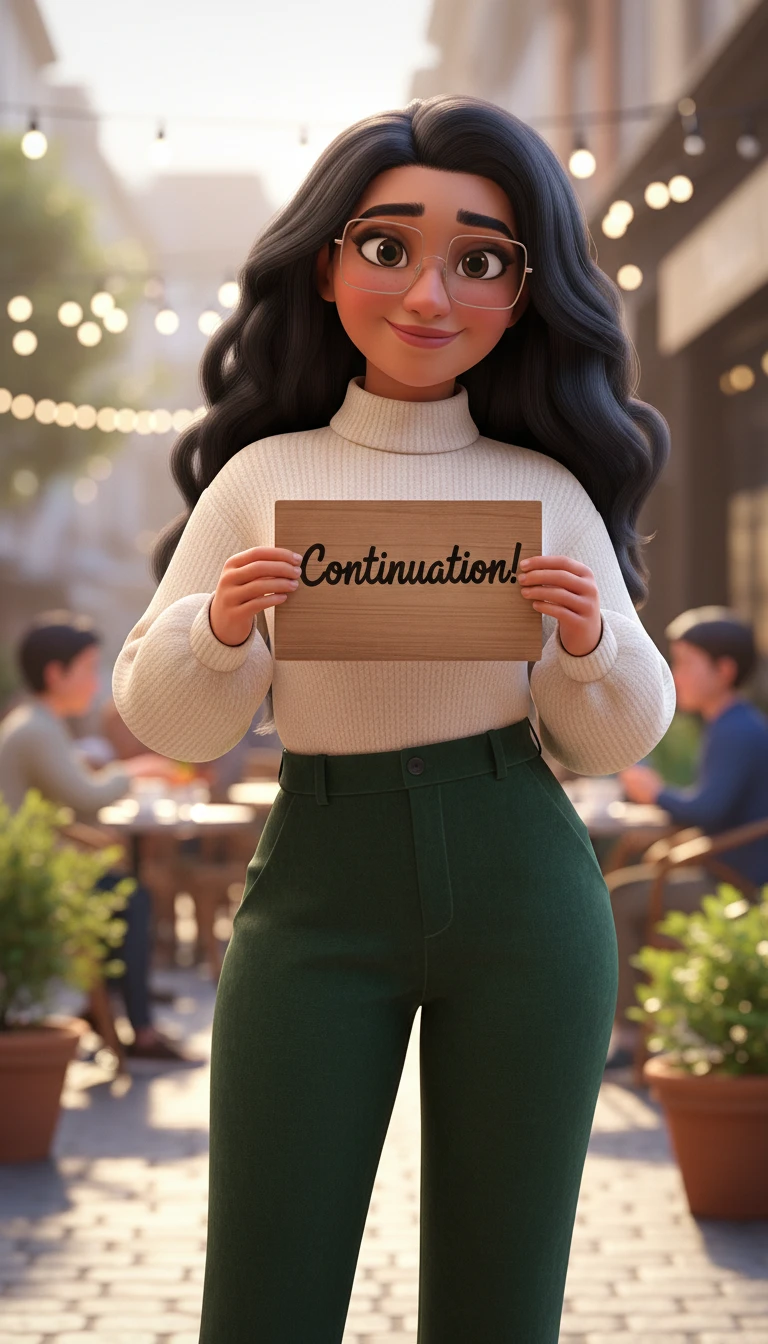
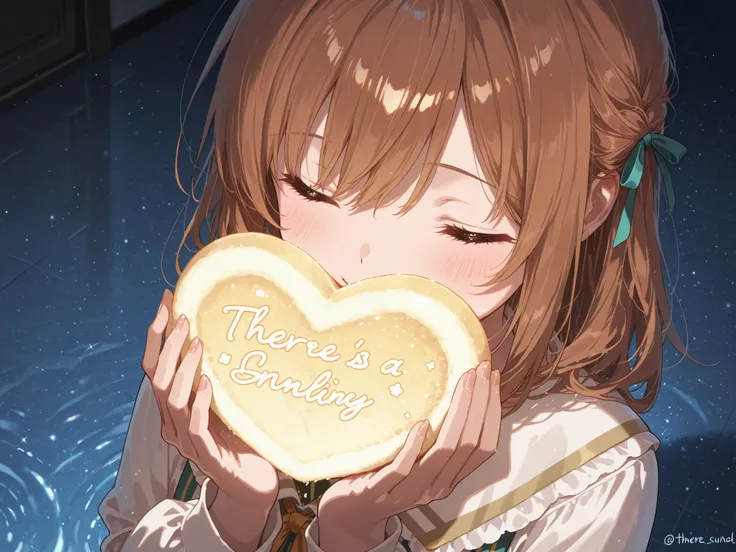
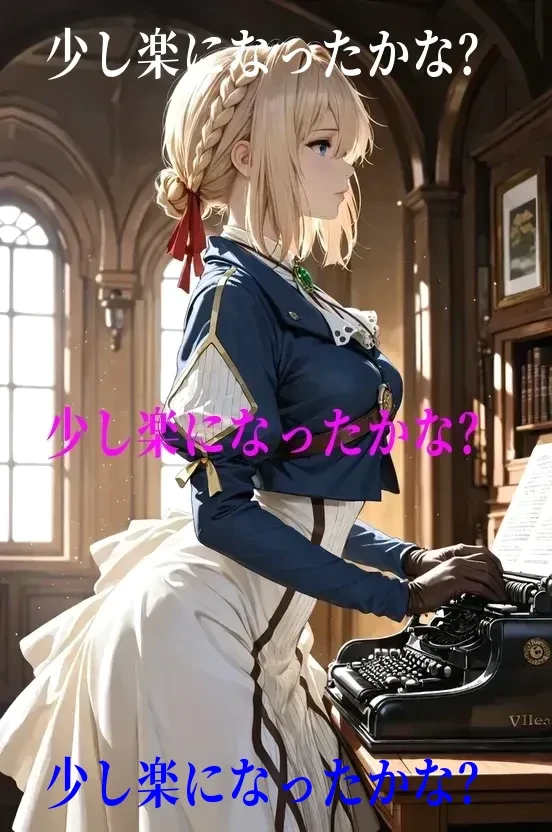
The pink text in the center of the first cover image is the automatic center alignment of this app's initial position.
The image size is 552*832, slightly reduced to match the video.
Please use this as a reference to consider text size and characters per line.
Text input supports word wrap; if not properly line-broken, it will be a long string that exceeds the image boundaries.
The cover sample is one line, but any number of lines is fine.
Spaces and line breaks are also valid.
The white text at the top was added with vertical position "1: Top".
The blue text at the bottom was added with vertical position "3: Bottom".
For video, you can choose which frames the text is displayed between.
By default, it is set to display on all frames.
If your goal is basically to display a few lines in the center (horizontally) at the top, middle, or bottom, no further settings are needed.
For any further changes, please select only what is necessary.
🟧🟧🟧🟧🟧 Change only what's necessary below 🟧🟧🟧🟧🟧
🟧 Text Size
Determine by pixel count.
🟧 Text Color
Select a color from the selector.
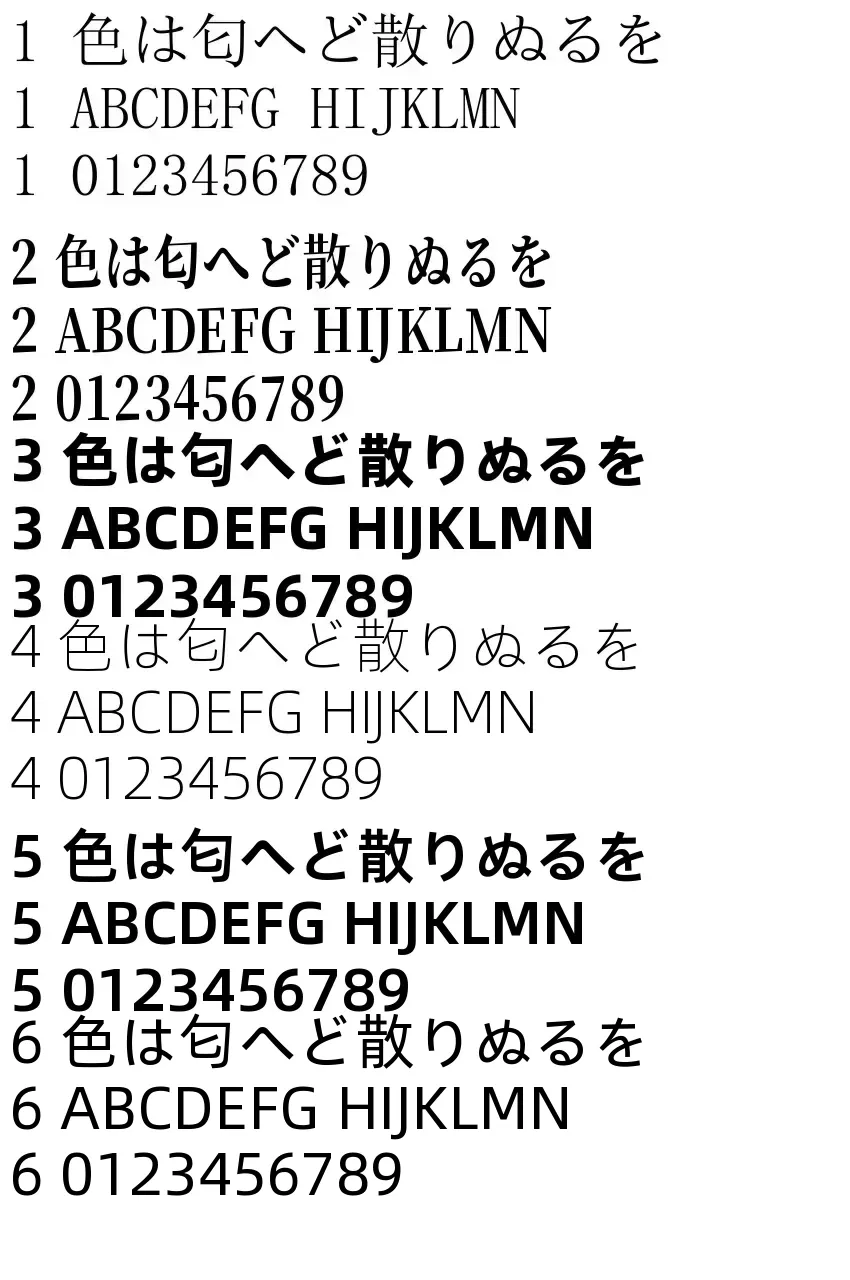
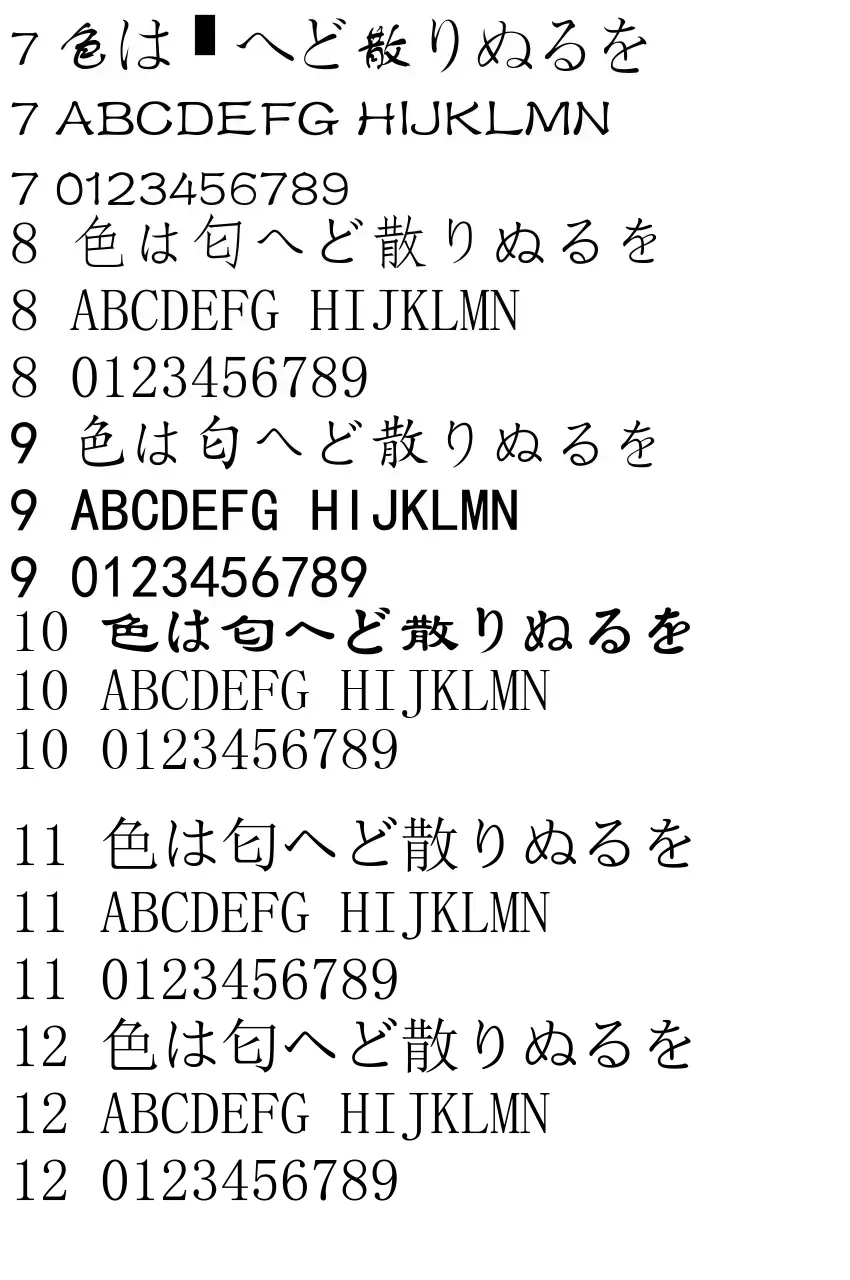
🟧 Font Type (See image)
Types 1 and 2 rarely have character display issues.
🟧 Top/Middle/Bottom Position
1: Top / 2: Center / 3: Bottom
🟧 Left/Middle/Right Position
center / left / right
🟪 Start Frame, End Frame
Specify if you want to display text only during a specific interval. If you want to check accurate frame numbers, there is a separate numbering app.
🟧 Text Tilt
Rotates 360 degrees around the center of the text string.
For convenience, 360 (same position as 0) is included.
When adjusting, consider 0 as the normal position:
Positive values (0.1 to 360.0) for counter-clockwise.
Negative values (-0.1 to -360.0) for clockwise.
-20 lowers the right side by 20 degrees.
+20 lowers the left side by 20 degrees.
180 is upside-down text.
(*Since SeaArt may error with 0 as an initial value, 360 is used instead)
By the way, 90 and -270 are the same.

No data available


Rex.
268
85.3K

Explore Related